Board Cut 與 Simulation Setup
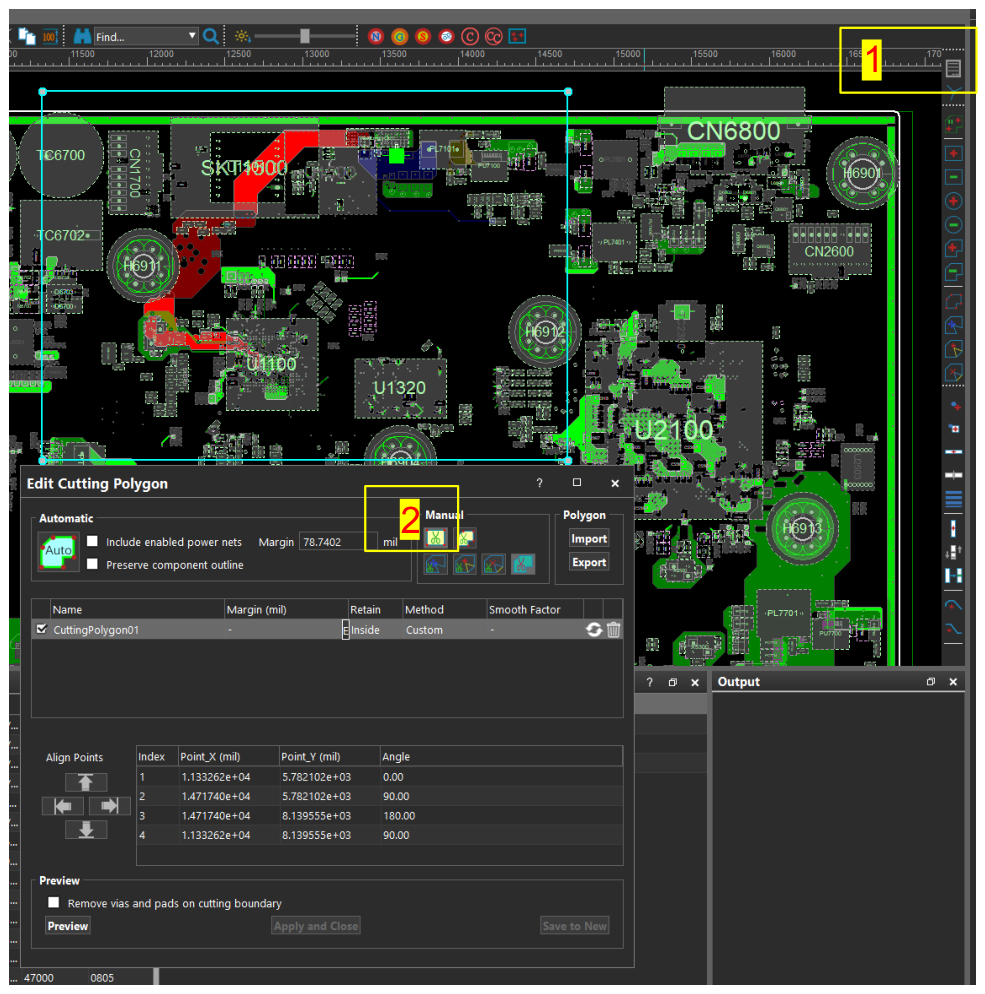
17. Cut the Board file for faster simulation
- 點擊 cutting Polygon icon。
- Automatic function 有時會出現 error,此時以 rectangle 手動選取,並包含 regulator 與 sink IC 之間的所有 area 與 nets。
Preview。Save to New。
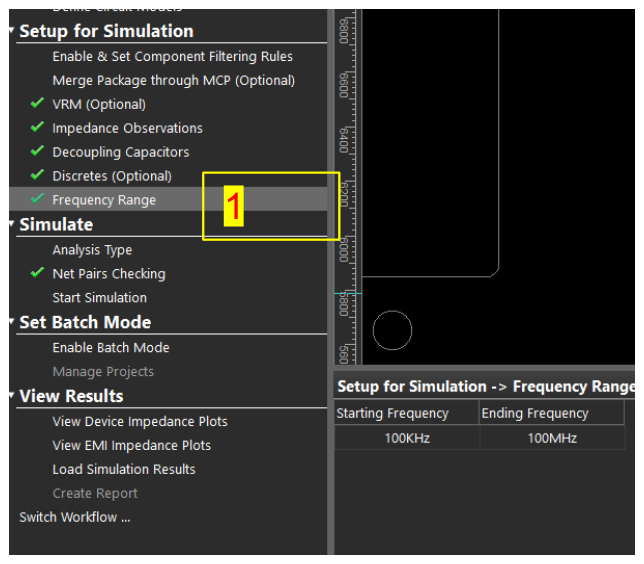
18. Simulation Setup
- Frequency Range:
100 KHz - 100 MHz。
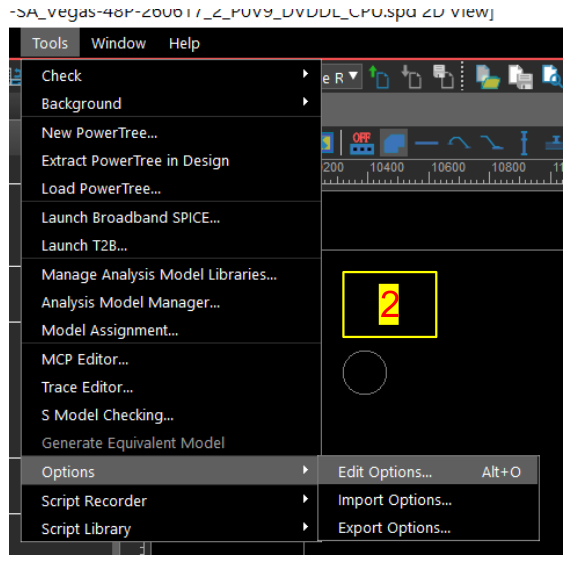
Tools→Options→Edit Options。
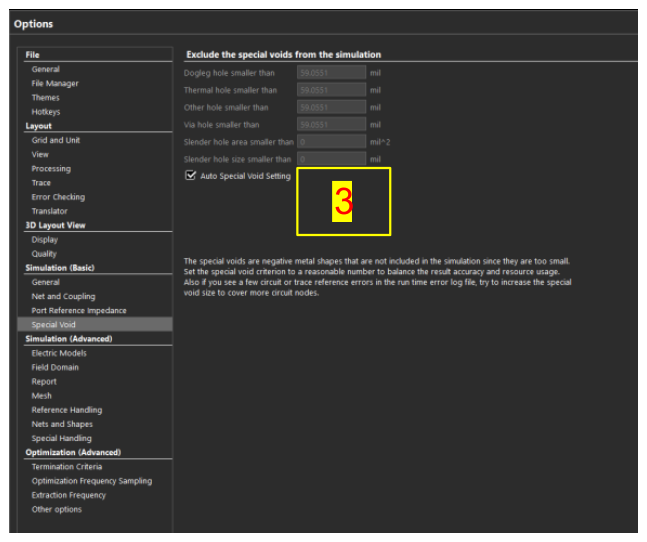
Special Void→ 勾選 auto special void setting。
Field Domain→ 勾選Calculate DC point as reference,其他保持 default。
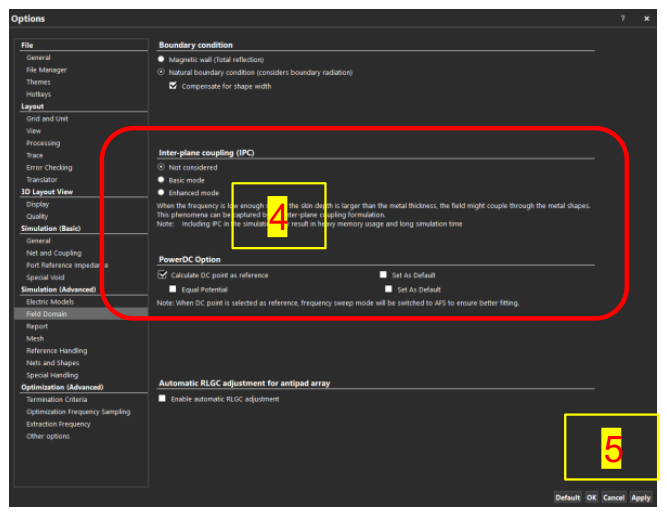
Apply→OK。- Start simulation。
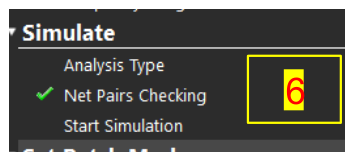
Note:切換 workflow 有時會需要再次設定步驟 4。