Simulation 設定、執行與 Cut board file
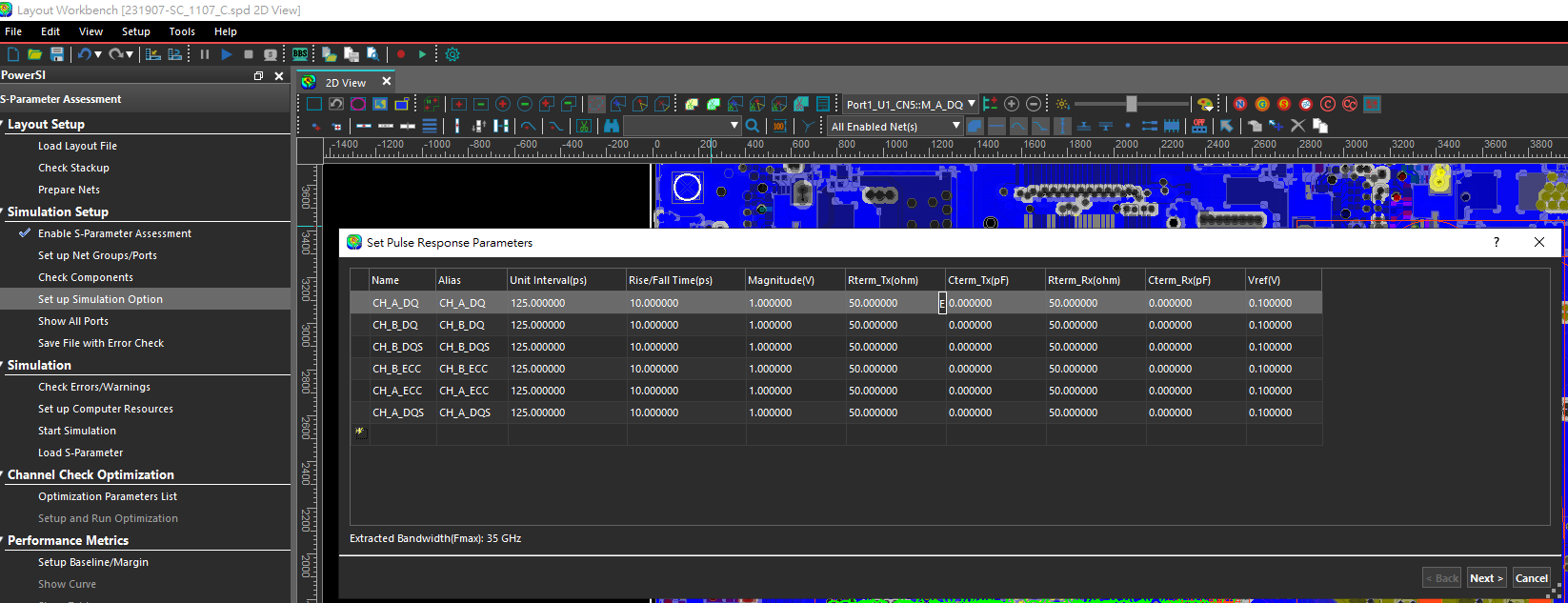
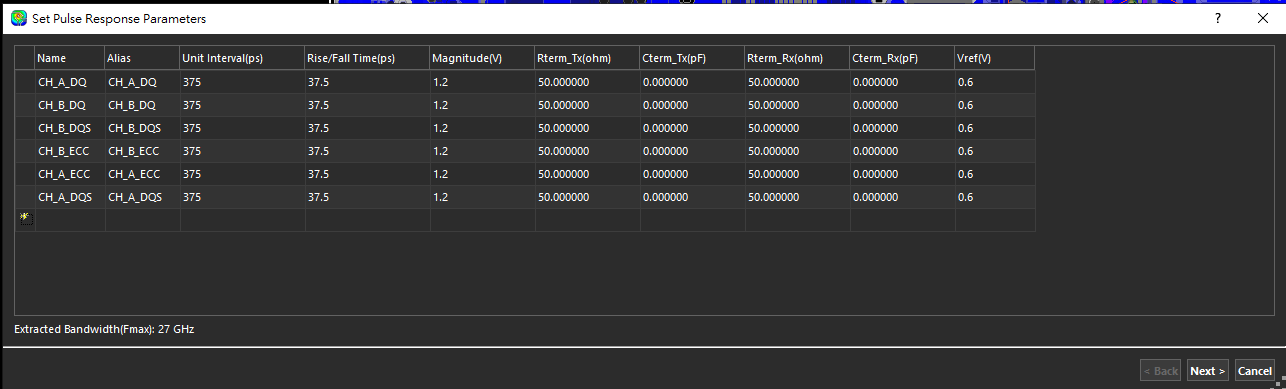
設定 Simulation Option
| Parameter | Value |
|---|---|
| UI | 1 / DDR speed grade = 1 / 2666 MHz = 375 ps |
| Rise/Fall time | 10% of UI = 37.5 (Cadence auto tool) |
| Magnitude | VDD = 1.2 V |
| Vref | VDD/2 = 0.6 |
| Other | Default |
Next → Finish
Consider = 0.33UI,rising time 的 10% 太快。
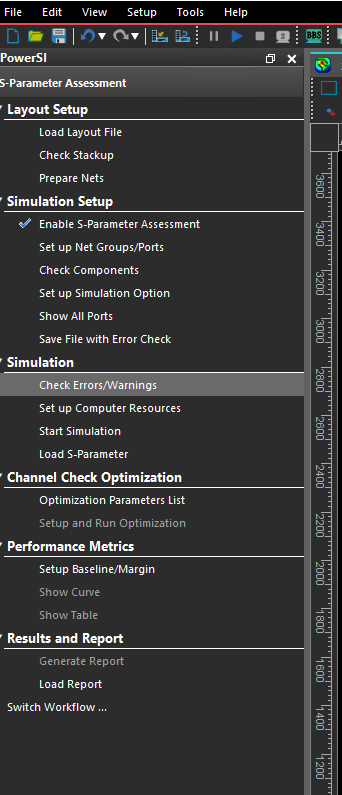
檢查 Error/Warnings
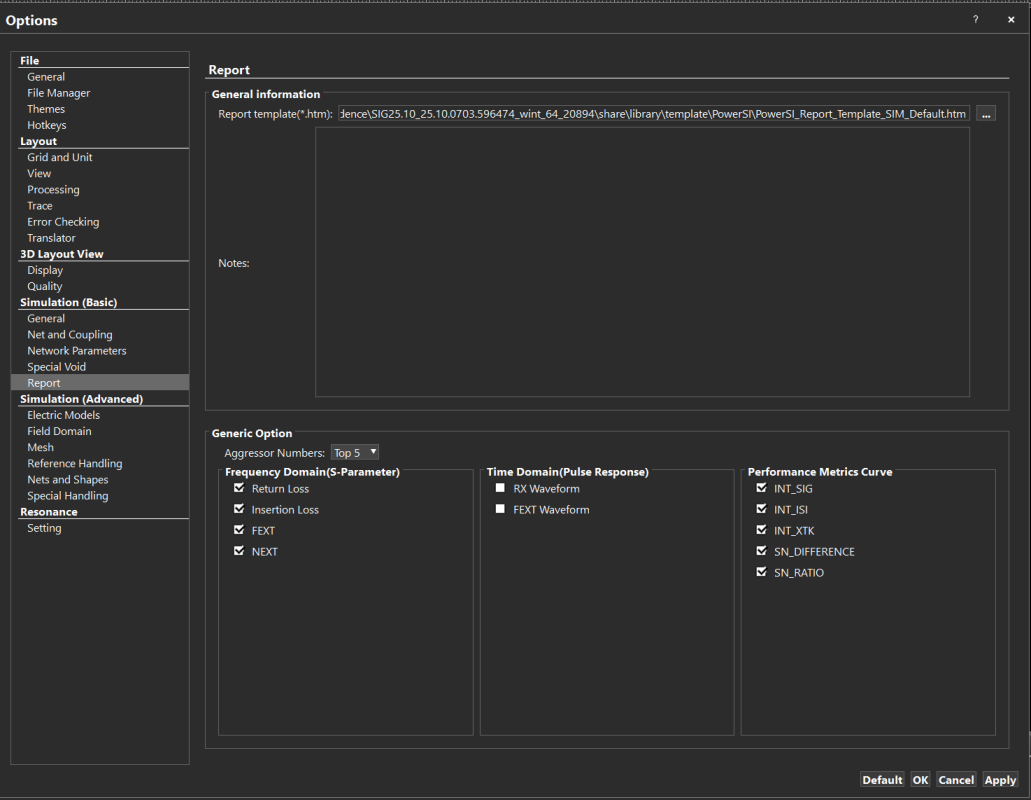
Check Error/Warnings→Special Void→ 勾選Auto special void setting。
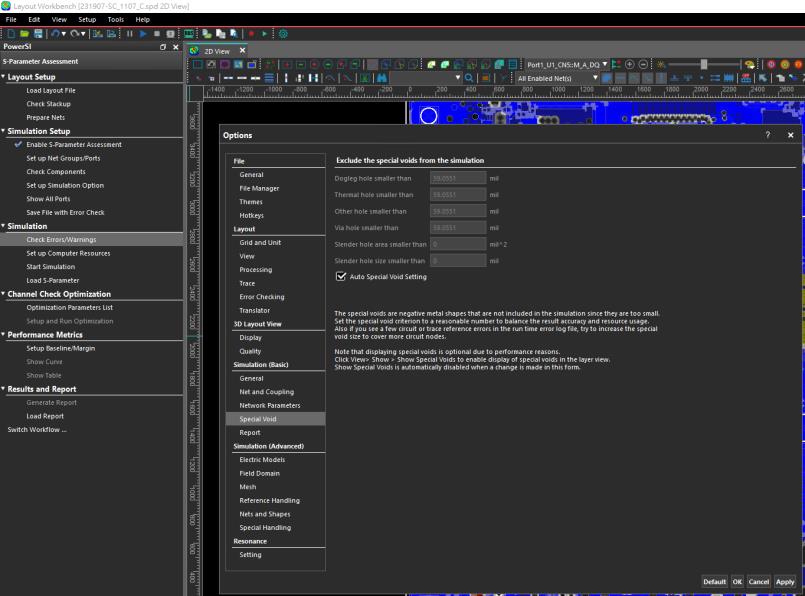
Field Domain→Default(Inter plane coupling→Not considered)。若未設定,simulation time 會非常長。
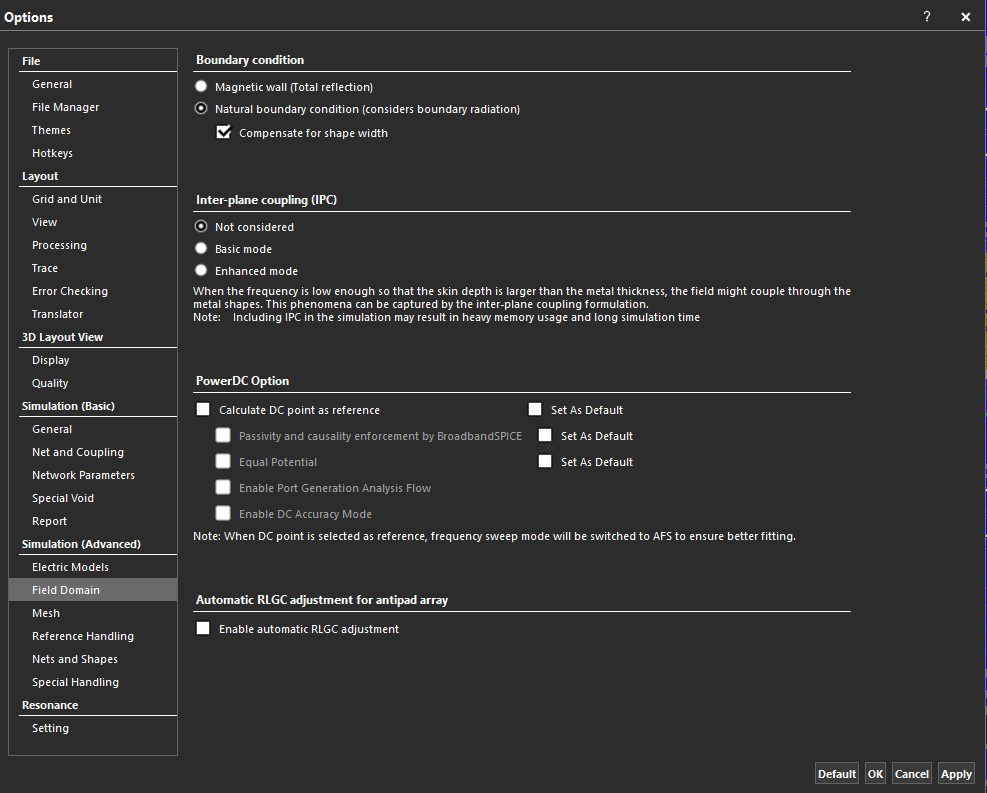
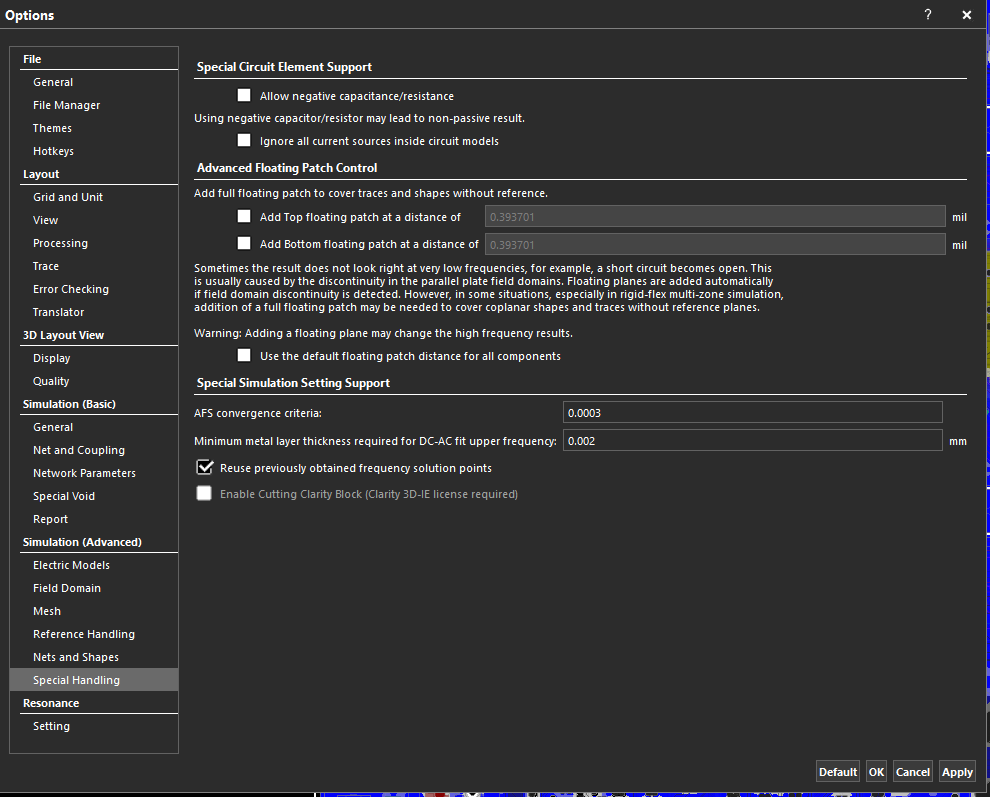
Special Handling→ 勾選Reuse previously obtained frequency solution points。
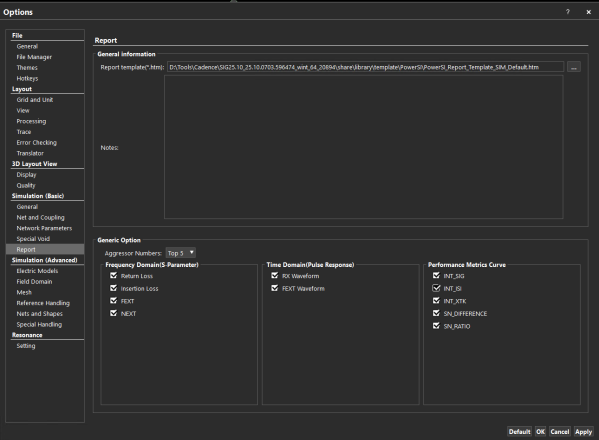
Reports:Apply→ all pages。
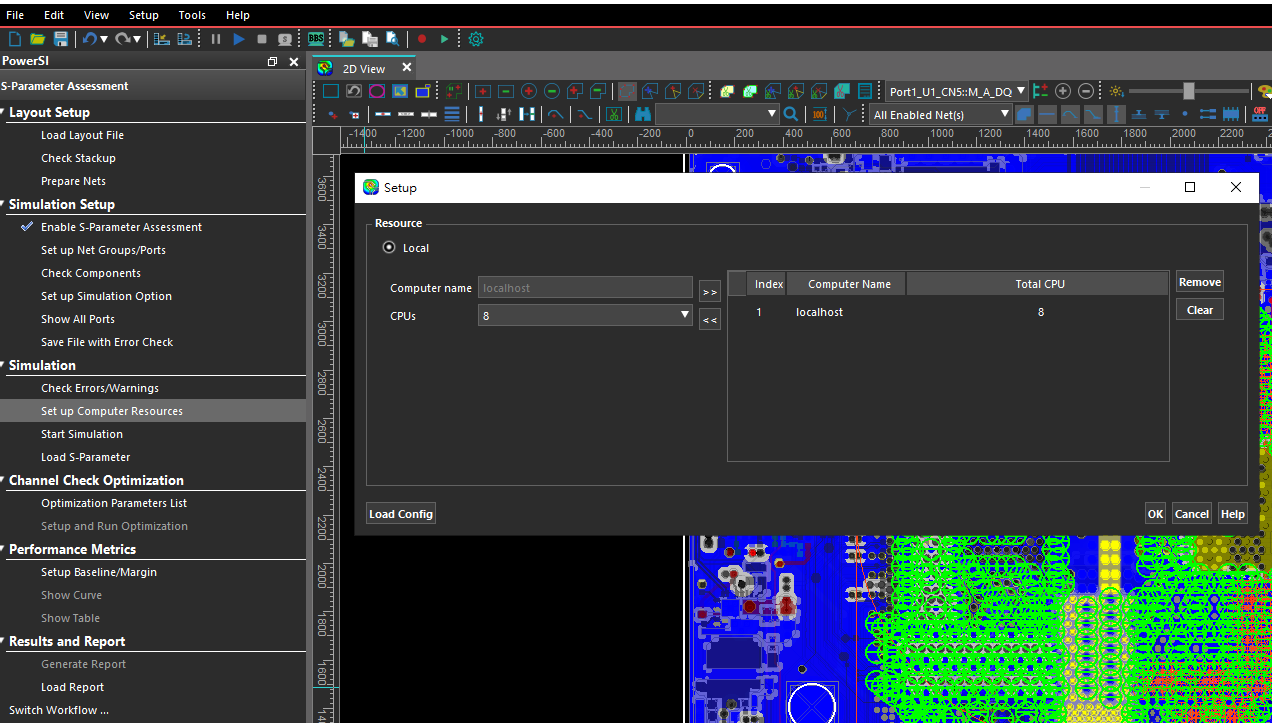
設定 Computer Resources
執行 Simulation
Cut board file
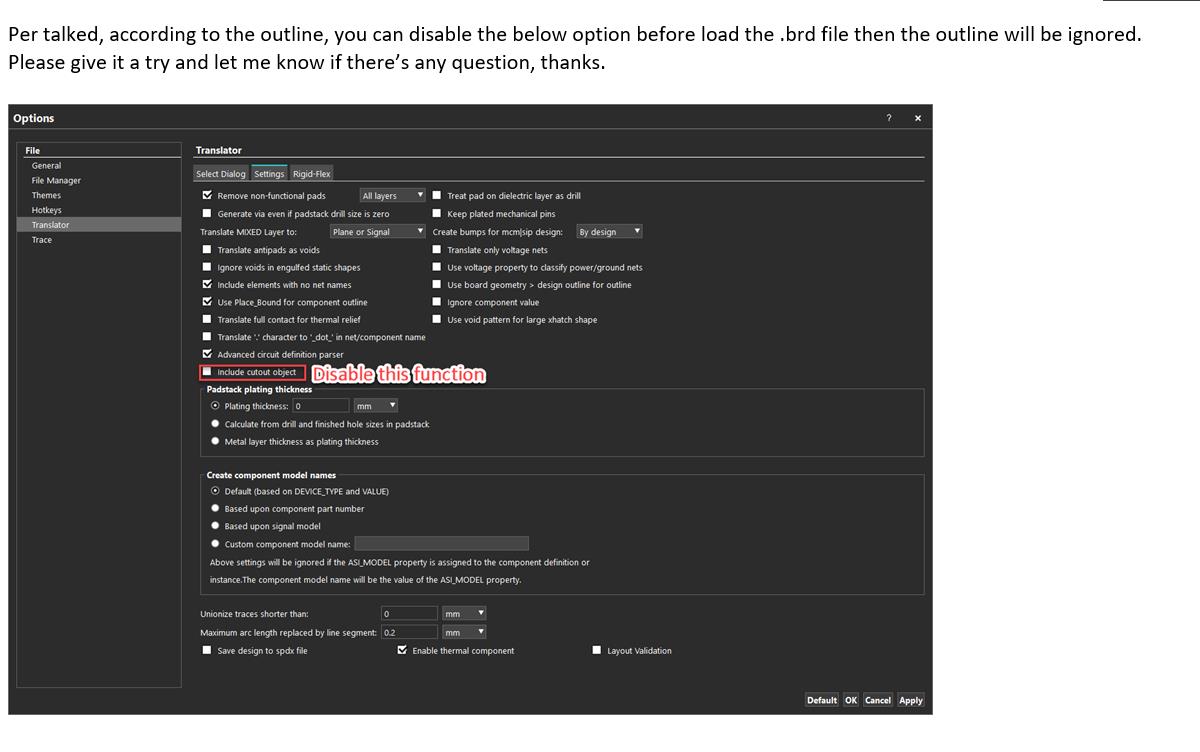
依照討論,針對 outline,可在載入 .brd file 前停用下方的 include cutout object,之後 outline 將被忽略。請嘗試此設定,如有任何問題再告知,謝謝。